Choicelunch
Choicelunch is a school lunch ordering app designed to help parents plan and purchase meals for their kids. I led the redesign of key product flows to simplify complex decision-making and improve the overall ordering experience.
Completion
2025
Industry
Food Tech / Marketplace
Tools
Figma, Figjam
Services
Product Design
Overview
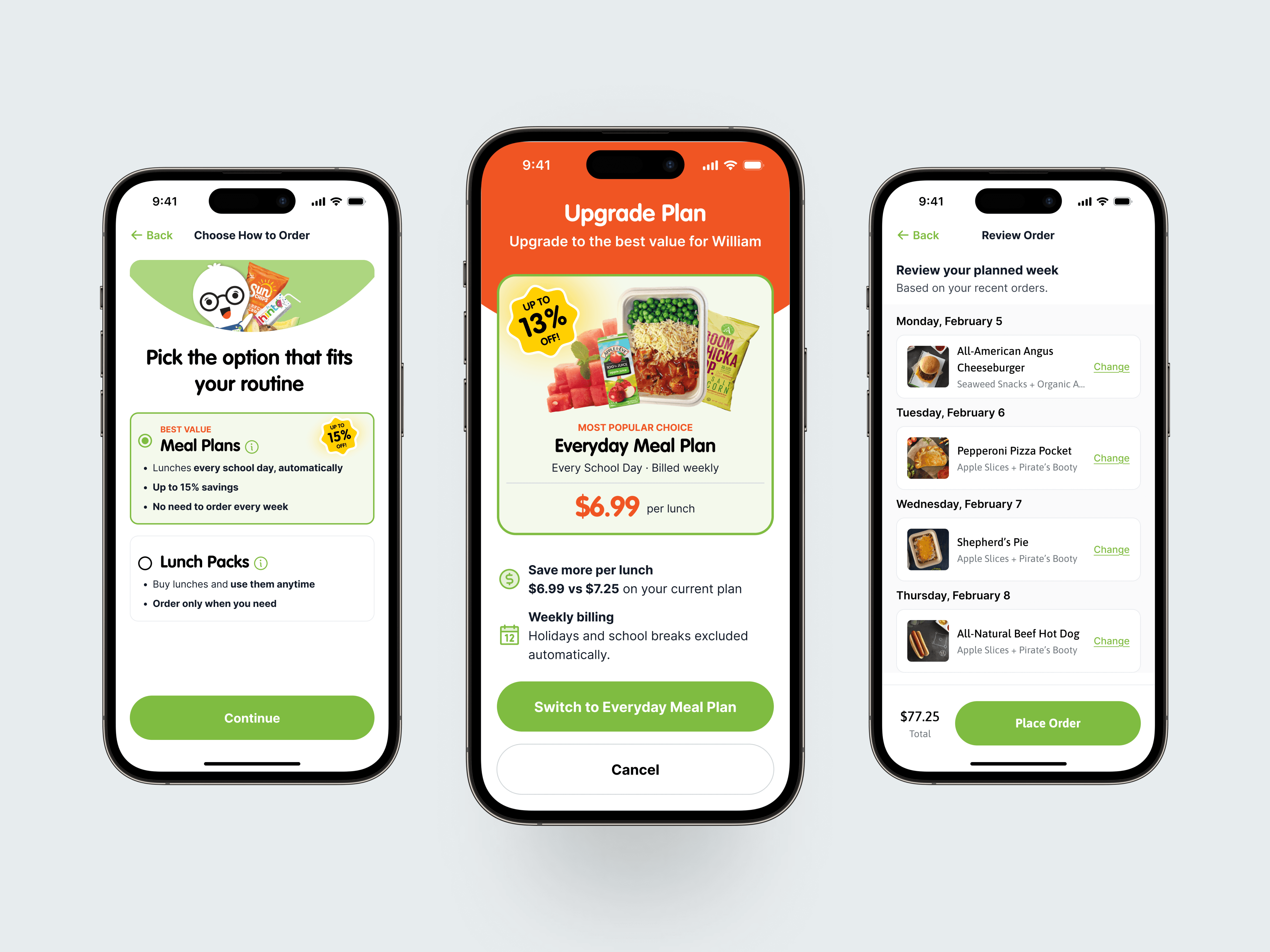
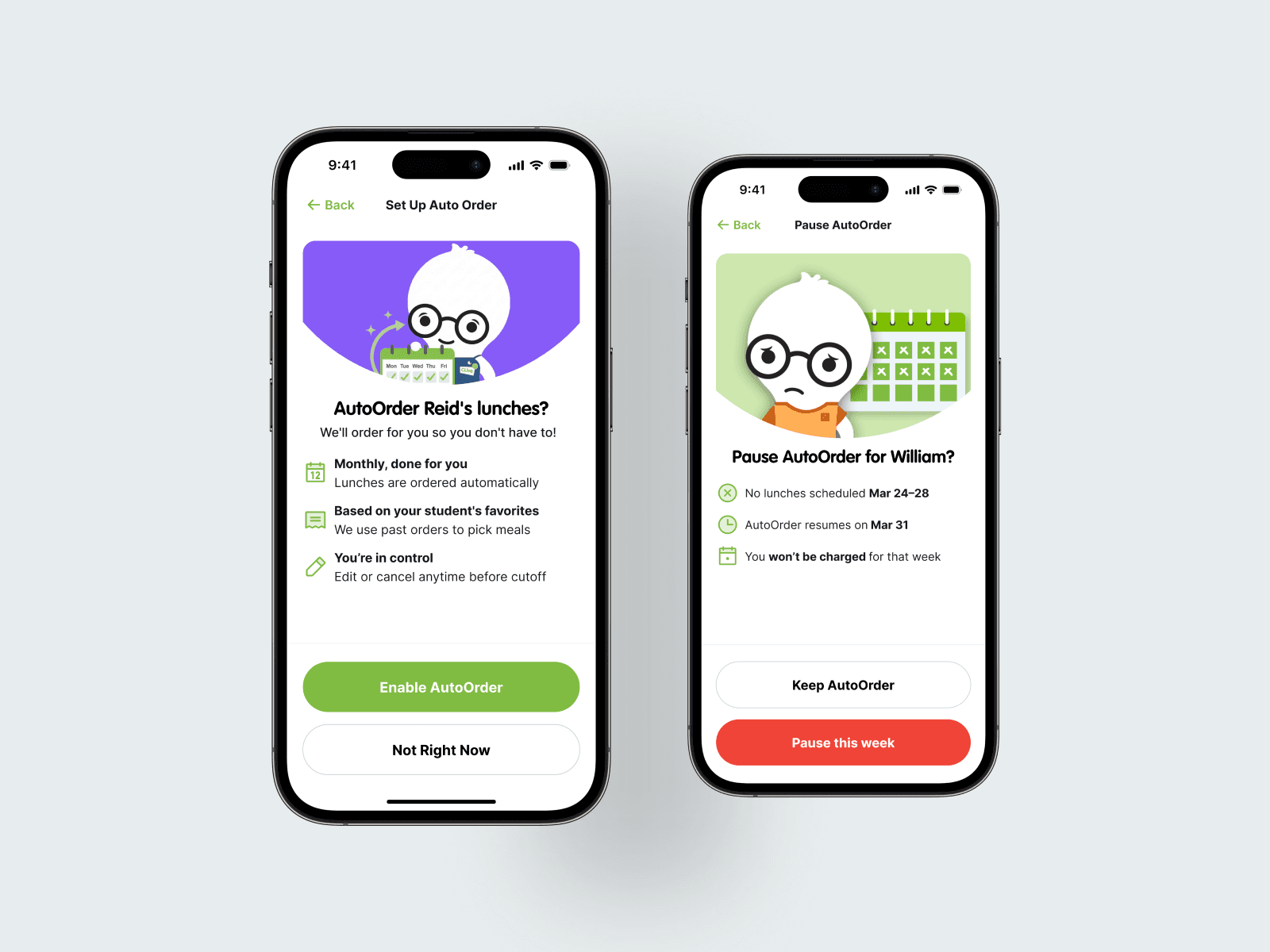
Choicelunch is a mobile-first app that allows parents to browse menus, customize meals, and schedule school lunches in advance. The product combines elements of a marketplace, a subscription system, and a planning tool, which creates a uniquely complex user experience. I was responsible for redesigning the end-to-end ordering experience, focusing on onboarding, plan selection, and checkout. The goal was to simplify decision-making, improve pricing clarity, and guide users toward the best option for their needs. One of the most interesting challenges in this project was not just designing interfaces, but designing decisions. Users were not struggling with placing orders. They were struggling with understanding what to choose. This required shifting from traditional UI thinking to a more strategic approach centered on behavior, hierarchy, and guidance.
A Complex Ordering Experience
Choicelunch is not a simple food ordering app. It sits at the intersection of
Subscription models such as meal plans
Marketplace browsing with multiple meal options
Subscription models such as meal plans
One-time purchases like lunch packs or individual meals
Users need to decide:
How often they want meals
What each meal includes
Whether to subscribe or buy individually
Whether to upgrade items like larger portions or premium drinks
This creates high cognitive load, especially for new users.
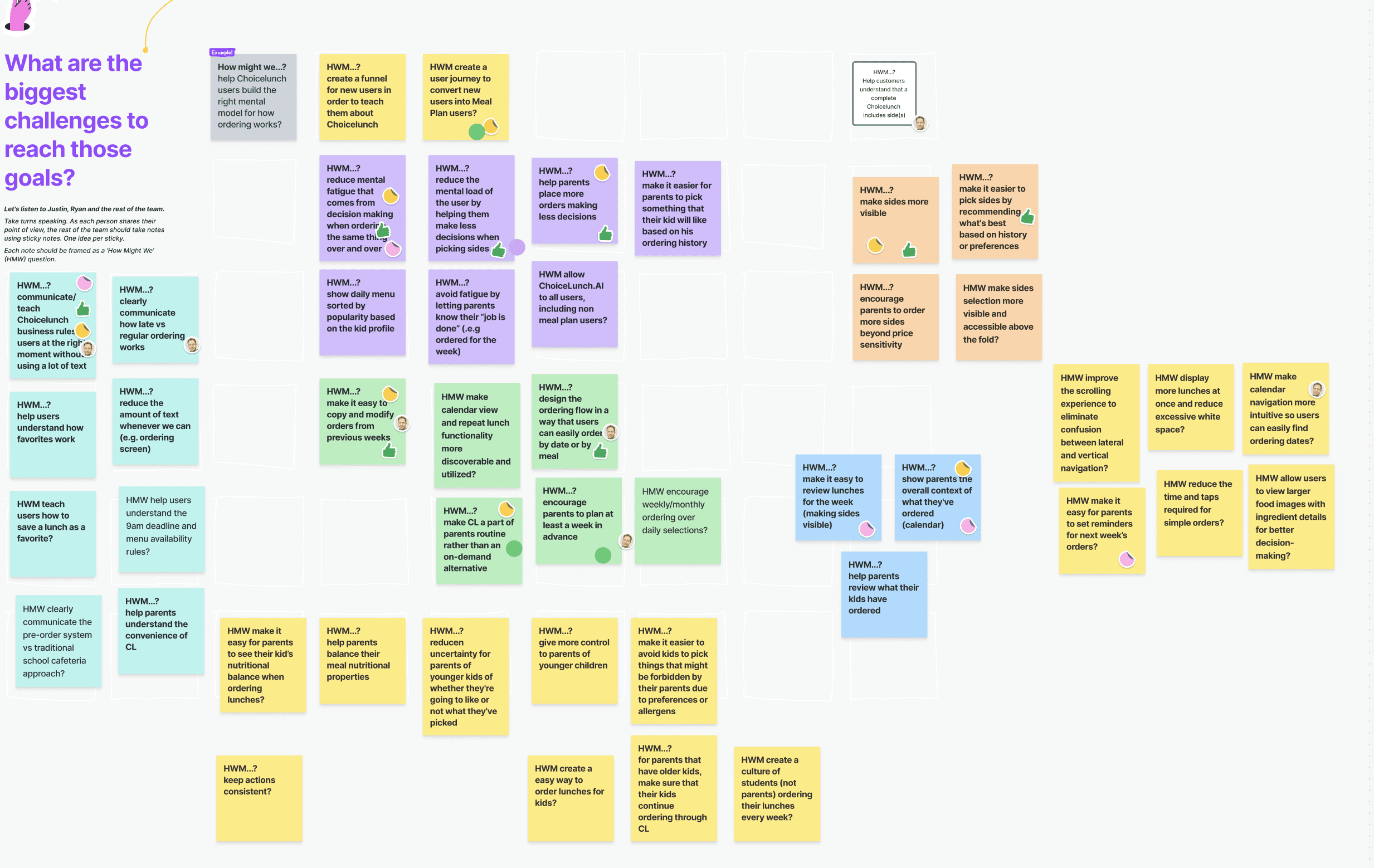
The core problem became clear:
The app was asking users to configure a system, when they just wanted to solve lunch.
Designing for Decision-Making
The design process was driven by a key principle:
The goal is not to present options. It is to guide decisions.
Instead of exposing all possibilities at once, I structured the experience around progressive layers of decision-making.
This meant:
Reducing the number of choices at each step
Introducing context only when needed
Helping users feel confident rather than overwhelmed
Rather than designing for flexibility alone, the focus shifted to designing for clarity and confidence.
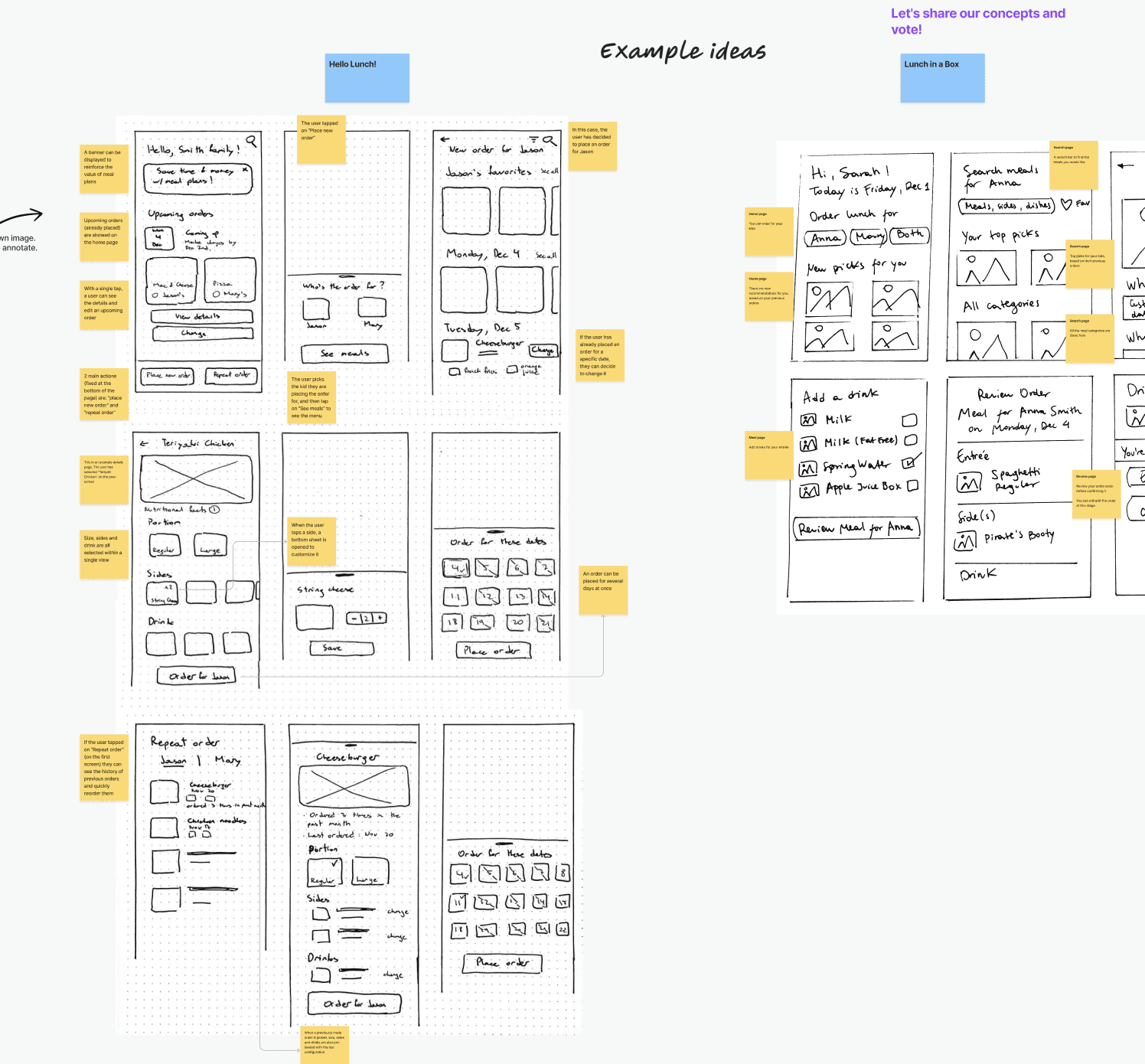
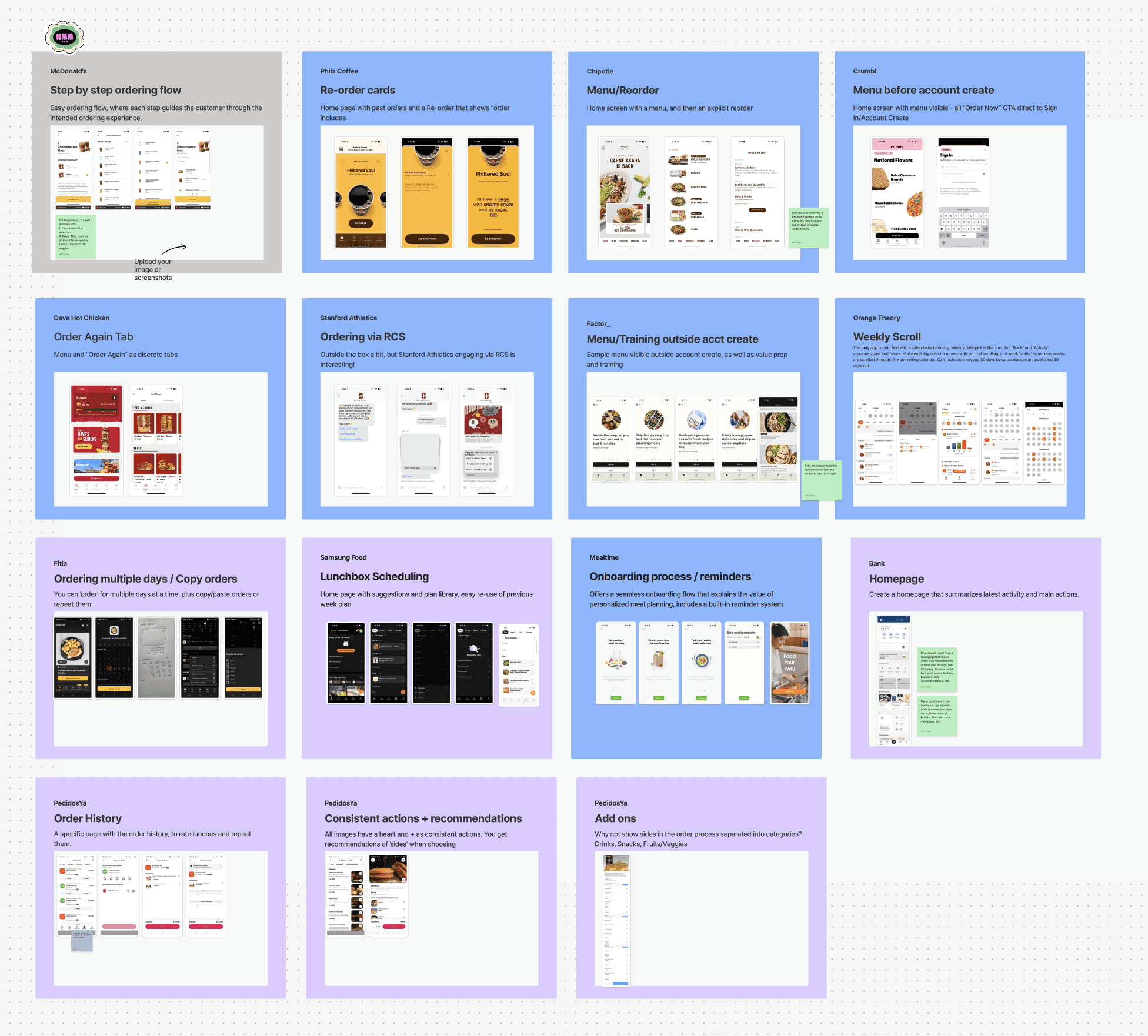
Product Strategy & UX Approach
1. Guided Onboarding
We introduced a short onboarding that captures frequency and preferences, then recommends a tailored plan.
This shifts the experience from exploring everything to starting with the right option.
2. Unified Plan Selection
We merged meal plans and lunch packs into a single comparison view.
This reduces friction and makes trade-offs easier to understand.
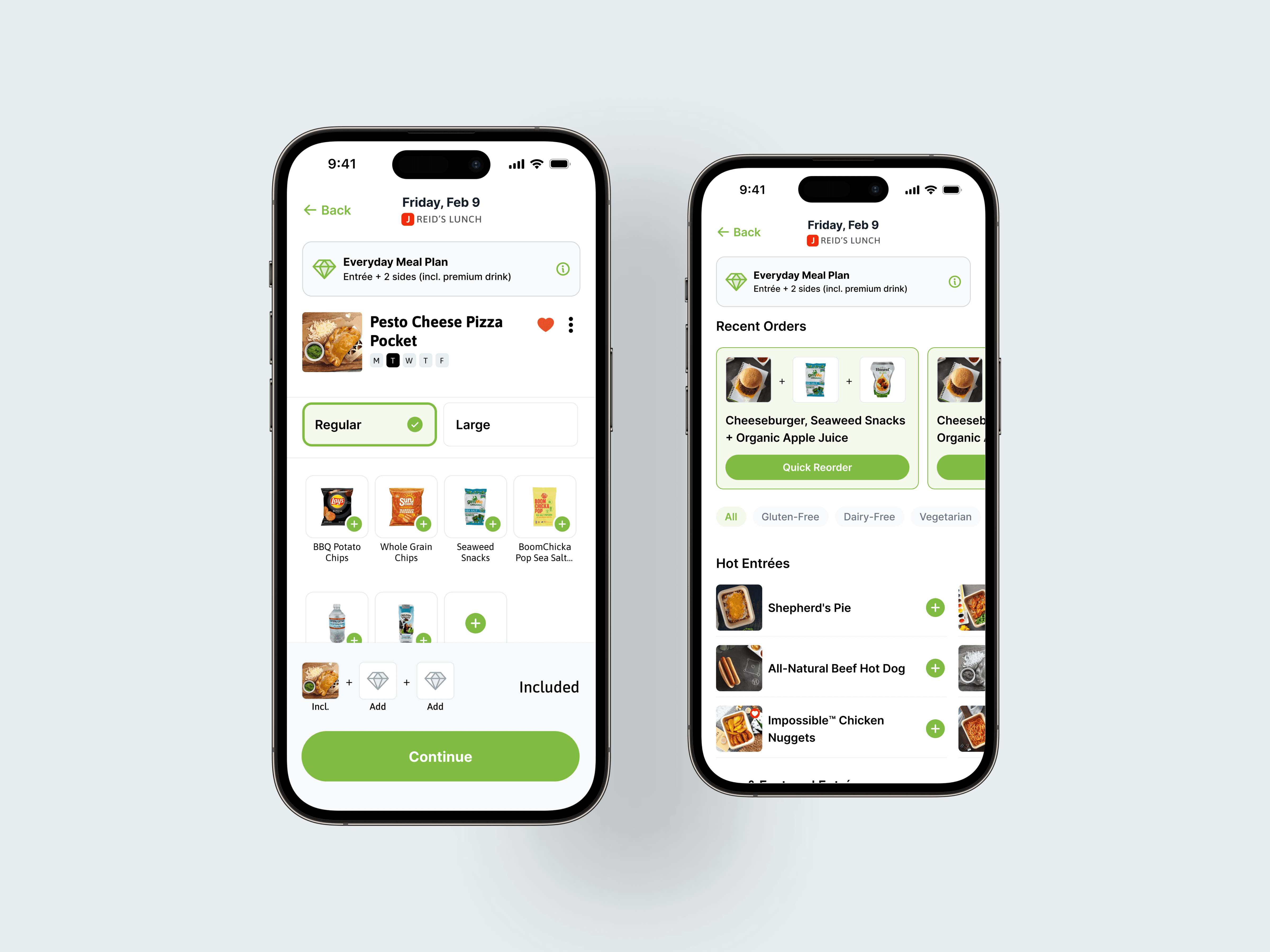
3. Pricing as UX
We simplified pricing by making it progressive and contextual.
Users see a clear breakdown as they build their meal, instead of all costs upfront.
4. Progressive Upsells
Upsells were restructured into a step-by-step flow.
This reduces cognitive load and increases average order value naturally.
5. Visual Hierarchy & Clarity
We improved selection states and reduced visual noise.
The interface became easier to scan, especially on mobile.
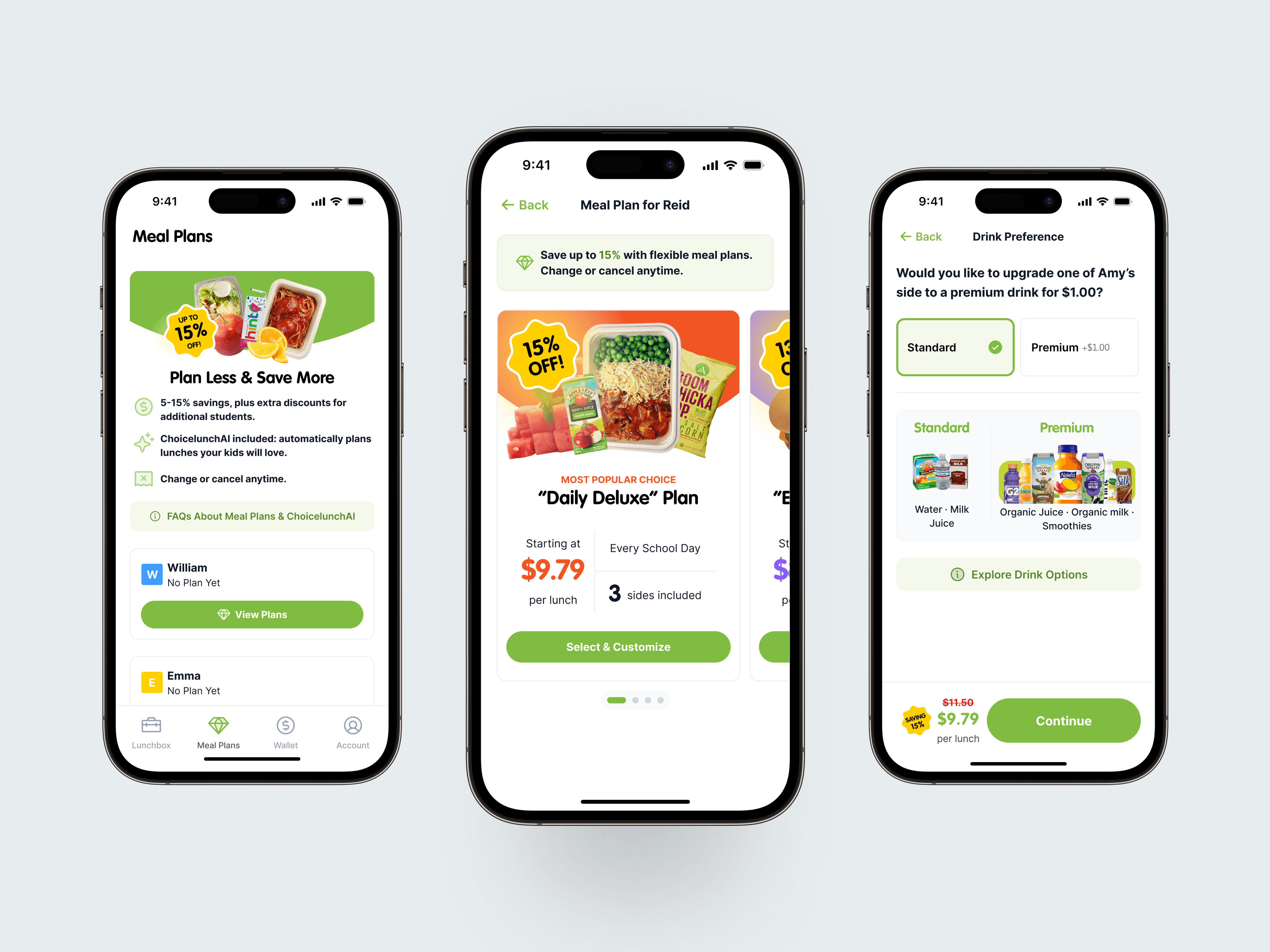
The result
The redesigned experience transformed Choicelunch into a more guided and intuitive ordering app.
By focusing on decision-making rather than just interface design, we achieved:
Faster onboarding and plan selection
Improved pricing clarity
Reduced cognitive load across the journey
A more structured and scalable experience
Other projects
